
CyberBoost
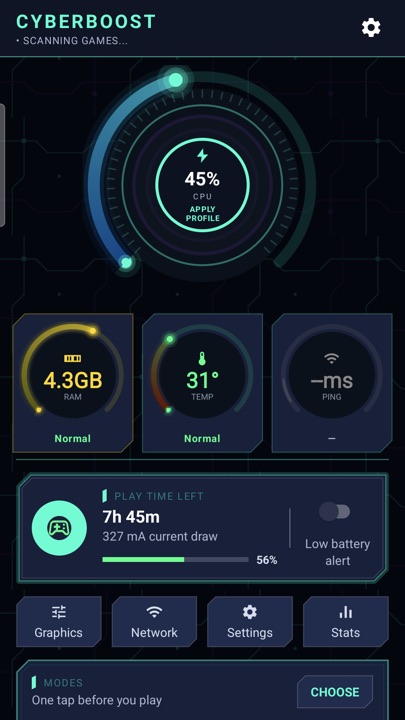
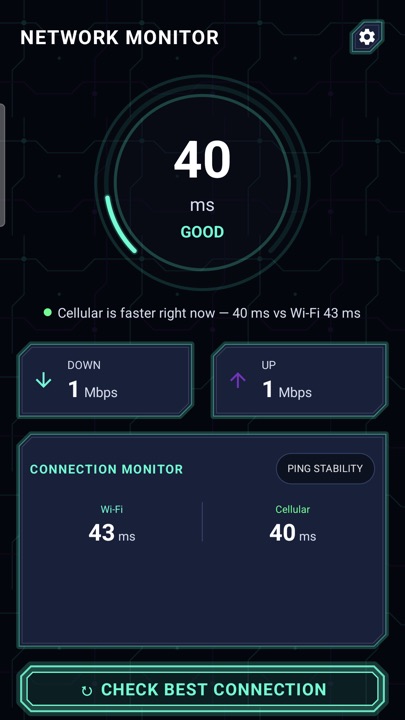
A live HUD with real ping, battery temperature and refresh rate, one-tap game modes that silence interruptions, instant replay and a Wi‑Fi vs mobile-data ping test.
Real numbers
Ping, temperature and Hz measured by the app itself.
5 languages
English, Urdu, Hindi, Indonesian and Portuguese.
No account
Everything is processed on your phone.
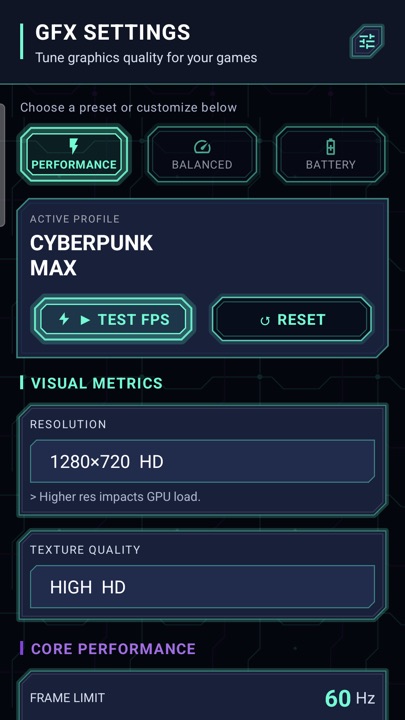
No regular Android app can raise a game’s FPS, lower your ping by itself or change another game’s graphics — CyberBoost doesn’t pretend to. It measures, silences and links you to the settings that matter.
All 14 features
Live HUD 3
- In-game overlayA floating monitor you can keep on screen while you play.
- Live statsCPU clock, RAM headroom, battery temperature and display refresh rate.
- Real pingNetwork ping measured directly by the app.
Game modes 4
- PresetsRanked, Long Play, Offline and General — or build your own mode.
- Per-game modesAssign a mode to each game; it applies when you launch from CyberBoost.
- Real settingsDo Not Disturb, brightness lock and media volume, plus a Quick Settings tile.
- Auto Game ModeSilences calls and notifications when a game opens and restores them when you leave.
Record & network 4
- Instant ReplayTap “Save Moment” to clip your last highlight without recording the whole match.
- Screen recorderUp to native resolution at 30/60 fps with game audio and optional microphone.
- Dual ping testWi‑Fi and mobile data measured at once, so you pick the faster network.
- Match reportPing spikes and disconnects from your session.
Device check 3
- Eight pre-game checksPower saving, heat, memory, data saving, storage, refresh rate and DND — each with a one-tap link to that setting.
- GFX checklistA per-game checklist tuned to your phone’s memory tier.
- Playtime trackerPlaytime per game with weekly trends, plus optional break reminders.
Free on Android. Questions? Contact support.