Screenshot Brain
Search text in your screenshots, sort receipts and bookings, get reminded before return windows close, and clean up duplicates — with text recognition running on your phone.
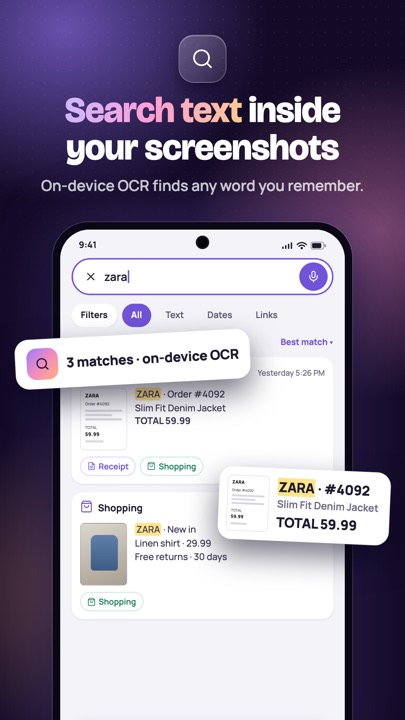
On-device OCR
Screenshots are read on your phone, not uploaded.
17 languages
Switch language any time inside the app.
No account
No sign-up and no cloud sync.
All 12 features
Find 3
- Search by textType a word you remember — a store, an order number, a flight code — and see the screenshots that contain it.
- FiltersNarrow results by text, date, links, category or time.
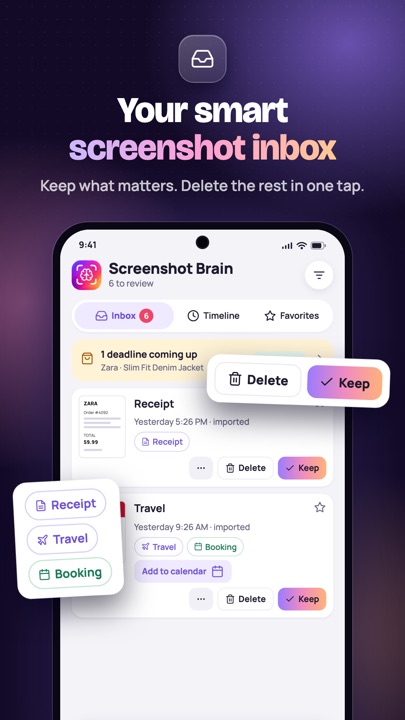
- Smart collectionsReceipts, Travel, Shopping and Work sort themselves; make your own collections and star favourites.
Organize 3
- Smart InboxNew screenshots arrive in an Inbox: keep what matters, delete clutter in one tap.
- Auto-categoriesAutomatic labels for receipts, bookings, payments, coupon codes and travel.
- Tags & namesRename items, add tags and group them your way.
Remind 2
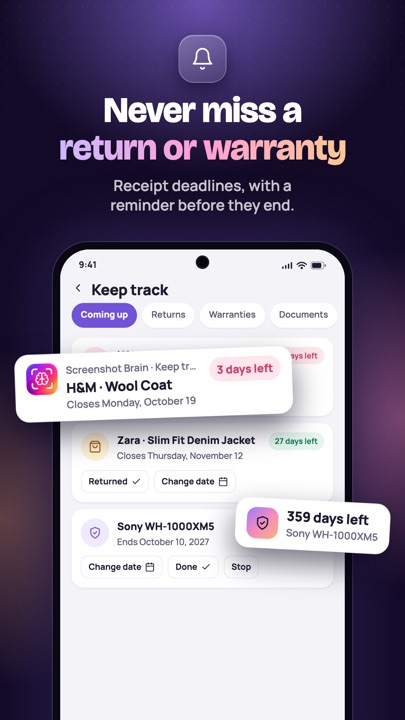
- Return & warranty datesSpots return deadlines, warranty and expiry dates and reminds you before time runs out.
- Paper receiptsSnap a paper receipt or a medicine box to keep track of it too.
Protect & clean 4
- Hide private detailsFinds and covers card numbers, bank numbers, phone numbers and emails before you share.
- Screenshot cleanerFind duplicates, similar shots, old clutter and large files; deleted items stay in the Recycle bin for 30 days.
- Private folderLock sensitive screenshots with your PIN or fingerprint.
- Encrypted backupsMade only when you ask, protected with your own passphrase.
Free on Android. Questions? Contact support.